
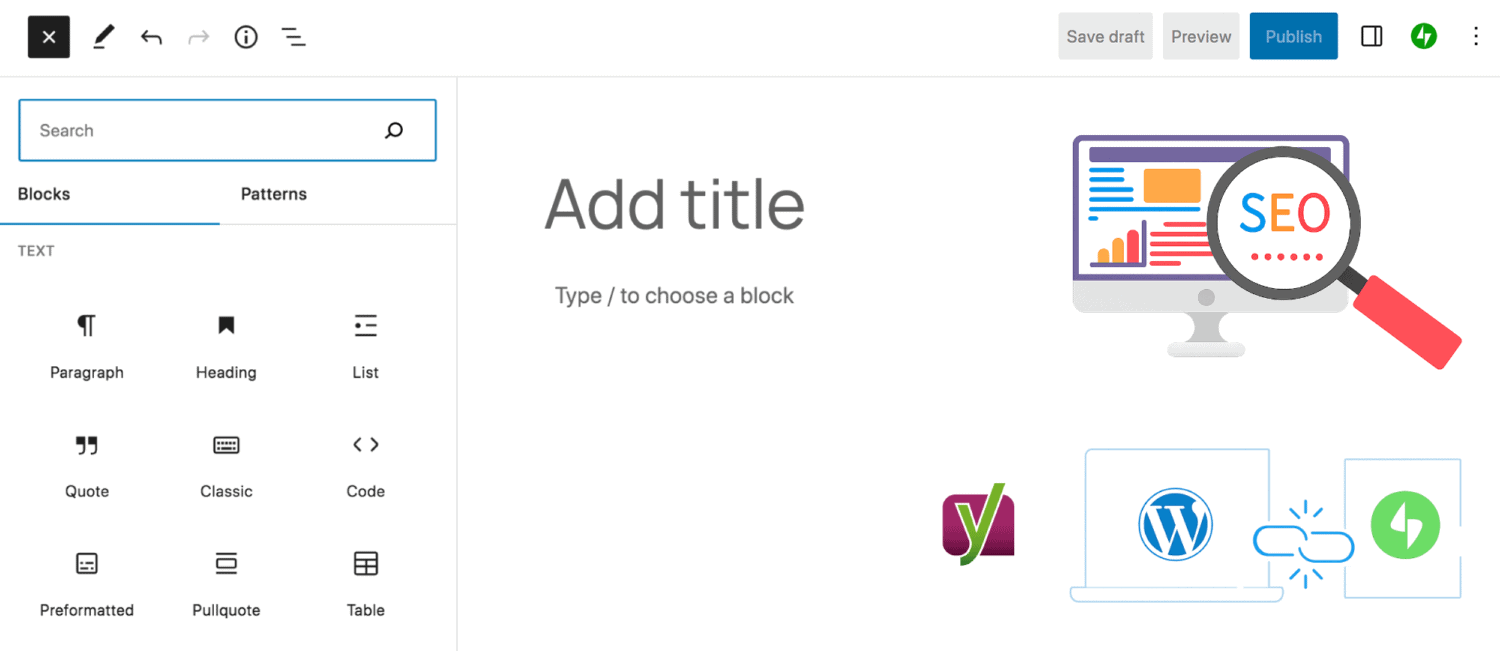
I remember running my first ASP website entirely on my own. I worried about everything: Meta descriptions, URL structure, sitemaps, social sharing previews, and how Google would read each page. Back then, I didn’t even know this had a name. I was doing SEO before I knew what SEO was.
That early experience shaped how I think about WordPress.com SEO today. One reason I prefer WordPress.com for hosting is much of that technical burden is handled for you, allowing writers to focus on publishing rather than configuration; all within a wonderful community. Technically, core SEO is handled through native WordPress.com settings, while more advanced functionality is provided by Jetpack SEO.
If you move to Self-Hosted WordPress, you gain more control and plugin options. That’s usually where tools like Yoast SEO enter the picture.
Why Yoast was tempting
When I started my blog on WordPress.com, plugin installation and deep customization were limited to the Business plan. So, I upgraded! At the time, that made sense. Today, WordPress.com offers plugin installation on other plans as well, such as Premium, which changes the equation entirely.
Once plugin installation was available, Yoast felt like the obvious next step. SEO is one of those buzzwords that quietly pressures every blogger. You’re always wondering whether you’re missing something critical, even when your content is already solid.
So I tried Yoast. I even paid for it.
What SEO plugins actually do
SEO plugins don’t rank content by themselves. They don’t convince Google that a post is good.
Their real value lies in preventing technical mistakes, helping search engines understand structure, and saving time by automating repetitive tasks. They are tools of convenience , not ranking guarantees.
Once that’s clear, choosing SEO tools becomes far simpler and far less stressful.
Yoast SEO
Yoast shines as a writing assistant. It provides real-time feedback, readability checks, keyword reminders, and a centralized interface that makes SEO feel approachable.
Its biggest strength is convenience. It replaces technical understanding with visual cues; those familiar red, orange, and green traffic lights. For beginners, or for highly SEO-driven projects, this can be genuinely helpful.
But convenience is not the same as necessity.
For clarity, Yoast extends beyond guidance by offering things like granular per-post schema control, advanced indexation rules, keyword analysis, and detailed SEO management for custom taxonomies and content types.
Jetpack SEO
Jetpack takes a very different approach. It doesn’t coach your writing. Instead, it quietly handles the fundamentals. On the Business plan, it also includes more advanced SEO features. These features focus on technical foundations mainly.
On WordPress.com, Jetpack is deeply integrated and cannot be removed – even on the Business plan. On self-hosting, it isn’t installed by default, but many users (myself included) choose to install it anyway to recreate the WordPress.com experience and stay connected to its ecosystem and community.
For me, Jetpack is essential in both cases.
That’s when the questions started. I was paying for WordPress.com hosting (which includes Jetpack), and also paying Yoast for additional SEO features. Then, I noticed how Yoast’s ecosystem works: Add WooCommerce? That’s another paid extension. Want deeper features? Another upgrade.
It wasn’t that Yoast was bad; the value equation simply stopped making sense.
What you really lose when you remove Yoast
Removing Yoast doesn’t remove SEO. It mostly removes writer-facing guidance, traffic lights, keyword density warnings, and readability scores.
If you already structure your posts well, write clearly, and understand your content, this loss is far smaller than it initially feels.
Jetpack already covers the basics. Still, Yoast handled a few things that actually mattered to my site more granularly:
- Sitemap fine-tuning
- Excluding specific pages from indexing
- Keeping post schema clean and consistent
- URL Redirection
These gaps can be addressed with small, targeted PHP snippets; which I’ll explain in my next post.
Final Thoughts
Today, you no longer need to upgrade to the Business plan just to experiment with plugins. With plugin installation available on more plans and with modern block themes offering deep layout control, flexibility is no longer locked behind the highest tier.
From my experience, a lightweight and effective setup on WordPress looks like this:
- a block theme
- Jetpack
- a Code Snippets plugin
No heavy plugins. No unnecessary paid extensions.
That’s the theory. In practice, your needs may vary.
Yoast is not a bad plugin. Jetpack is not a weaker one. And, the Business plan still offers features that may be worth the extra cost. The difference is need; without neglecting performance of course.
Have you ever tried Yoast SEO Plugin? Or experimented with installing plugins on your current WordPress.com plan?


Leave a Reply to Mohamad Al KarbiCancel reply