
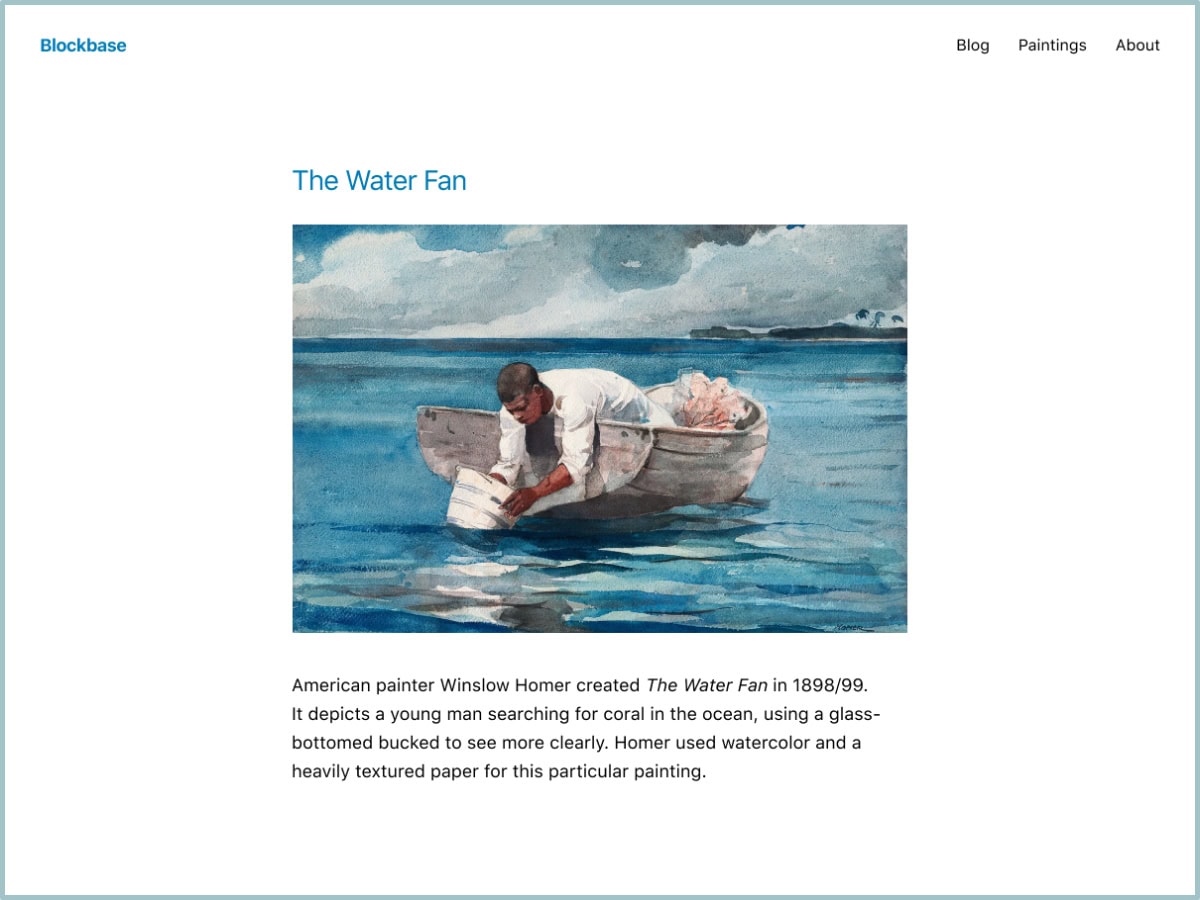
Blockbase is a block theme that is made by Automattic – the company behind WordPress. It goes under the category of block-editor-styles. I don’t believe it’s available for the free WordPress accounts. However, you can get similar experience through Twenty Twenty-Four or Twenty Twenty-Five (recommended as Blockbase is not actively developed). All such themes are similar; few more or less features here and there. You won’t go wrong with any. Blockbase is the minimalist among them though.
So, why a block theme?
- Easier visual editing. You can customize almost everything in design and elements.
- Faster and better performance. It’s more HTML-based; so the speed is really noticeable.
- Sooner or later, it’s the future for WordPress.
Should I upgrade?
Yes, but you’re not in a hurry. Personally, I don’t think they will force us to upgrade in near future if not in years.
How to upgrade?
Just change your theme to any under block-editor-styles category.
I’ve recently upgraded; I abandoned GeneratePress and Astra themse in favor of Blockbase. It took me few days to get used to it and few more days to re-build the current design of my website which is the same design I use for years by now. This simply means that you can build your website (blog) in any design you like and there is no more need for paid themes.
Below is a quick tutorial of how I built my site in Blockbase. This applies to any block theme too:
General Tips
- Reuse existing template patterns instead of creating new ones.
- Delete any patterns you’re not using.
- Avoid too many nested blocks (for example: Group → Group → Group), as this can increase DOM size.
- If images overflow the content area, try to place the “Content” block inside a parent “Group”.
Block themes and performance, this is Why I host with WordPress.
Do you use any Block Theme yet?
Leave a Reply