
Have you thought about choosing a web domain for your WordPress blog or site?
WordPress.com starts you off with a subdomain such as mohamadkarbi.wordpress.com. Adding a custom domain, like mohamadkarbi.com, is the first step in building your online personal brand. It also gives you the ability to create professional email addresses such as contact@mohamadkarbi.com.
This post focuses on custom email with your domain, not on domains or registrars. That deserves a separate post of its own.
Domains and registrars
You can purchase a domain through WordPress.com or any external registrar and connect it to your site via the domain settings. Once you own the domain, most registrars allow you to create custom email addresses and enable email forwarding. In other words, messages sent to your domain email can arrive directly in your personal Gmail or Outlook inbox.
While forwarding is a simple and low-cost option, it isn’t a complete solution. Without a dedicated outgoing mail server, replies may fail authentication checks (SPF, DKIM, or DMARC); leading them to spam filtering or entire rejection.
Email Hosting (Recommended)
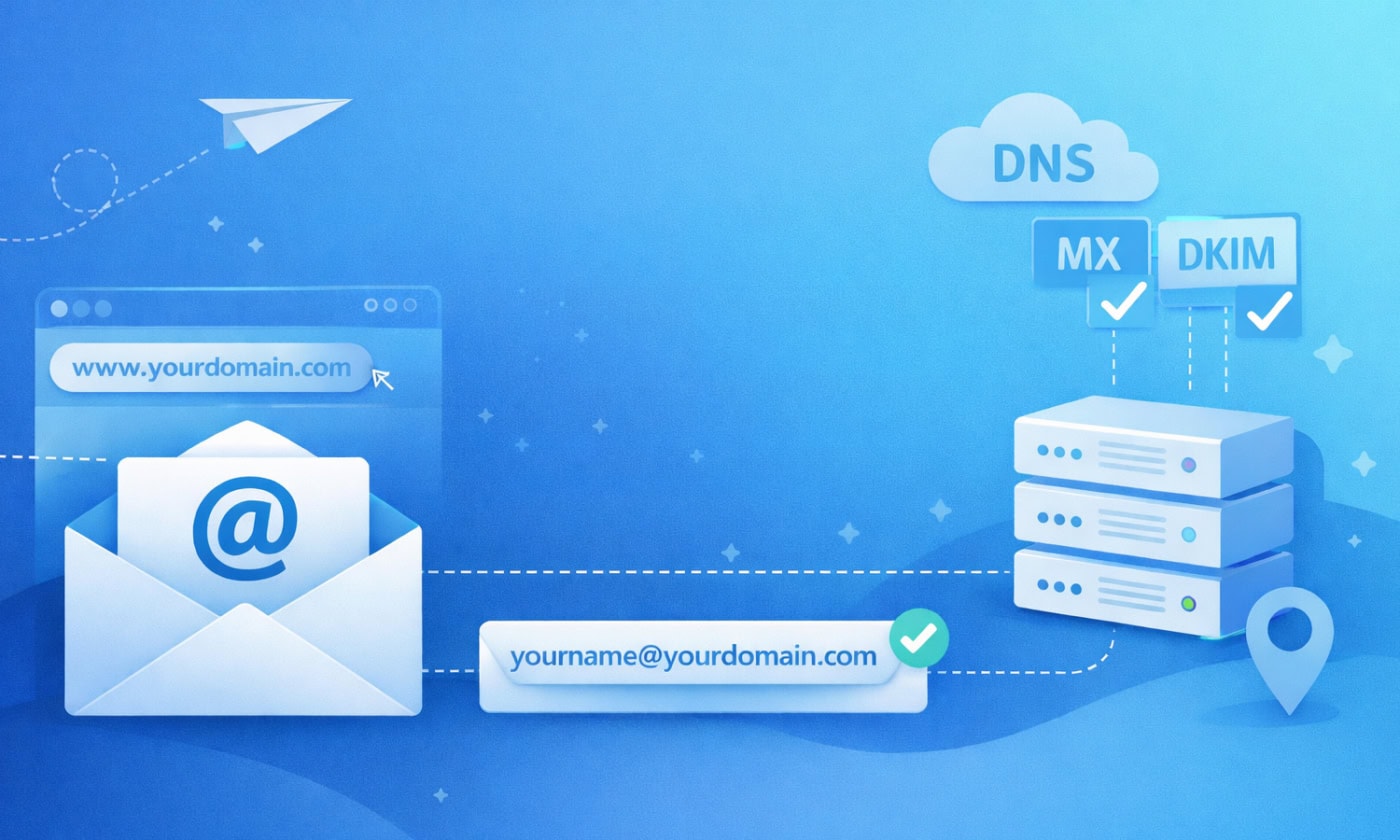
A proper setup involves choosing a dedicated email hosting provider and connecting it to your domain via DNS records (MX, SPF, DKIM, and DMARC).
This gives you:
- Better deliverability
- Full control over authentication
- Identity Portability: You can move from one provider to another without ever changing your address. Your email stays the same: contact@mohamadkarbi.com.
Popular email hosting providers
These are personal observations based on real usage, not affiliate praise.
Microsoft 365 & Google Workspace
Powerful and industry-standard, but overkill for personal use. Bloated with features many don’t need, and tightly coupled to the ecosystem of Microsoft and Google.
Proton Mail
Very reliable and privacy-focused. However, using IMAP/SMTP with third-party email clients like Outlook or Apple Mail requires the Proton Bridge app; this reduces flexibility. Proton now offers a dedicated desktop application, though calendar and contacts syncing outside Proton’s own apps remains limited.
Mailfence & Mailbox.org
Both are excellent, standards-based European providers that strike a solid balance between privacy and full synchronization support (IMAP, CalDAV, CardDAV). Personally, I prefer Mailfence for its speed, pricing, and the quality of support I experienced. With Mailbox.org, I previously ran into limitations regarding two-factor authentication, which appears to have been fixed now.
Others worth mentioning
The following names are famous too in this field.
- Titan
- Fastmail
- Thexyz
- Runbox
- Zoho
Final Thoughts
Go with Titan, Fastmail, Thexyz, Runbox, or Zoho if you want a professional experience, prefer using your favorite email app (like Outlook or Apple Mail), and simply want to move away from Google’s data-driven ecosystem.
Go with Proton Mail, Mailfence, or Mailbox.org if you handle sensitive information, live in a high-risk jurisdiction, or value the peace of mind that comes with strong privacy guarantees; even from the provider itself.
So, do you use a custom domain email, or are you still using a generic address?


Leave a Reply to The Dedicated EngineerCancel reply